
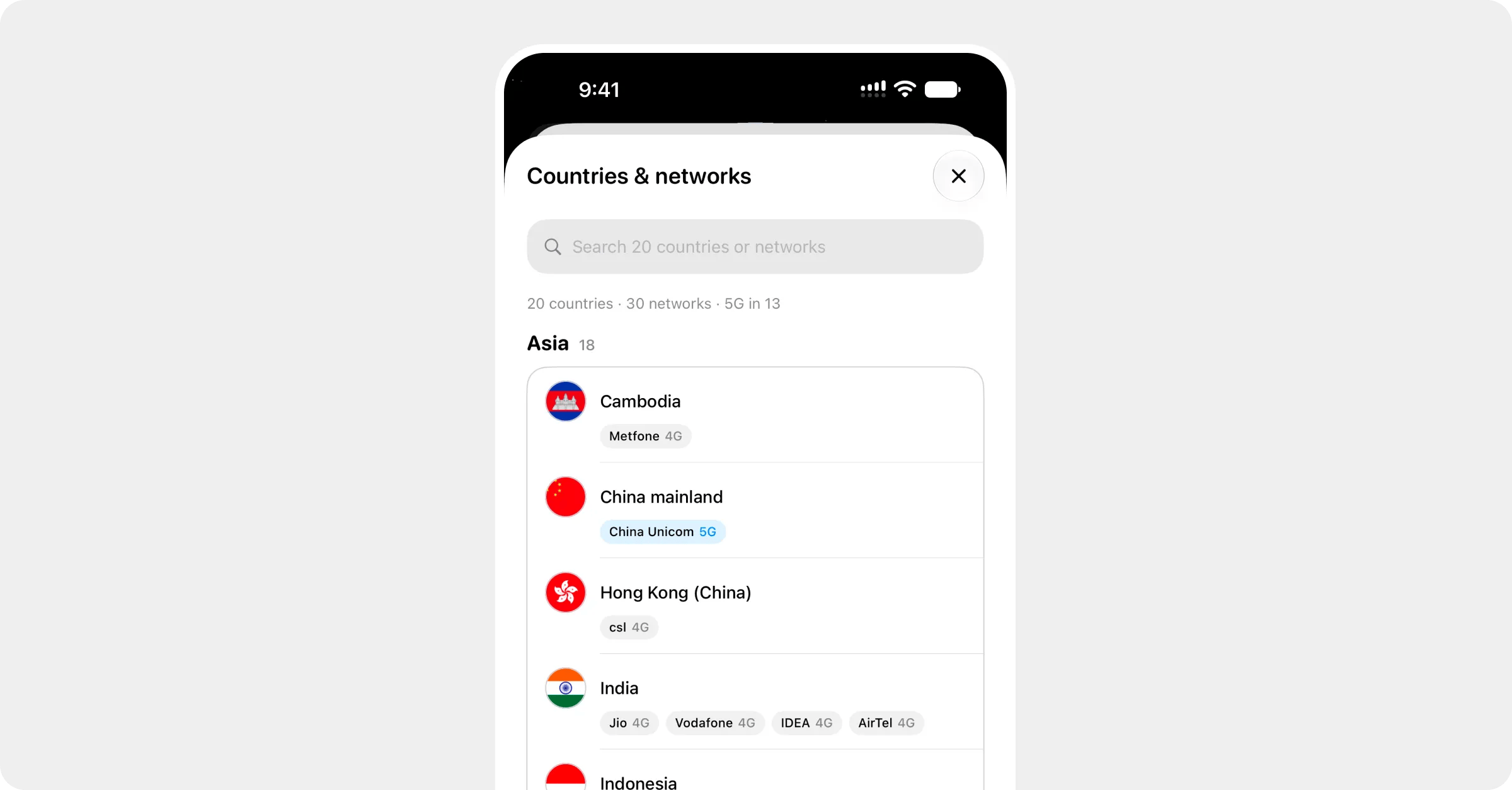
Countries & networks in the app: a searchable list of each country's networks and their speeds
A Roamly eSIM connects to established local networks at your destination, the same ones locals use, rather than to a network of our own.

See the list for your plan

Every plan lists its networks under Coverage & networks, each with the speed it supports. On a regional plan they’re grouped by country.
  • Before you buy: tap your destination, then a plan. The plan page lists its networks under Coverage & networks. On a regional plan, tap the summary to open Countries & networks, where you can search for a country or a network.
  • After you buy: open the plan in My eSIMs and tap Coverage, or Coverage & networks under More.

Your phone picks one automatically

When you switch the Roamly line on at your destination, your phone finds a network from that list by itself. Most of the time that’s all there is to it.

When to pick one yourself

If the phone lands on a network that shows No Service, or one that’s painfully slow, choose another from the list by hand. See Choose a network manually. Set it back to automatic when you move to the next country on a regional plan.

Why isn’t network X on my plan?

Coverage comes from agreements between our wholesale partners and each local network, so not every network in a country is included. The listed ones are the ones that work. If you’re somewhere only an unlisted network reaches, you won’t get service there, which is worth knowing before a remote trip.