The four tabs
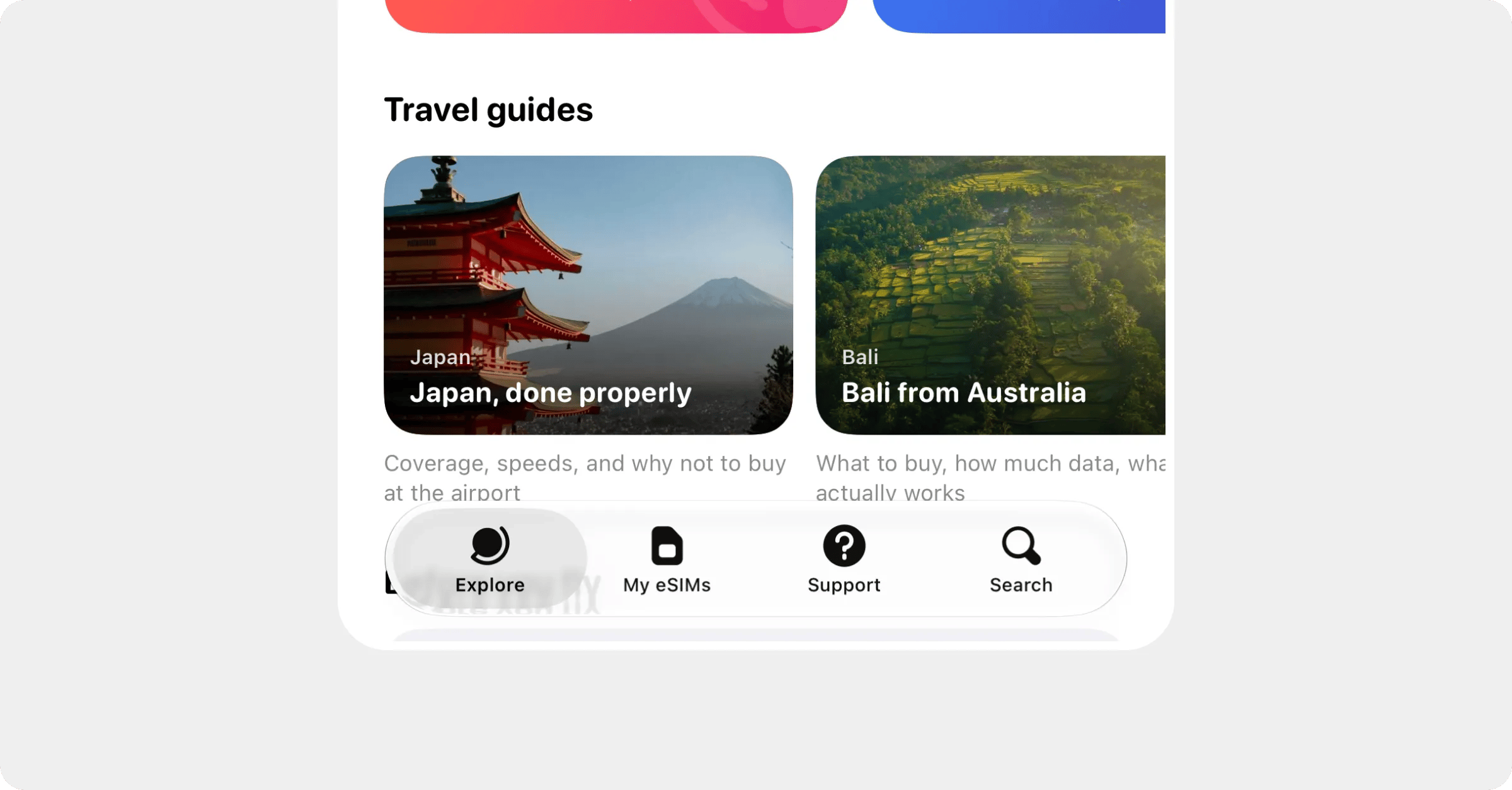
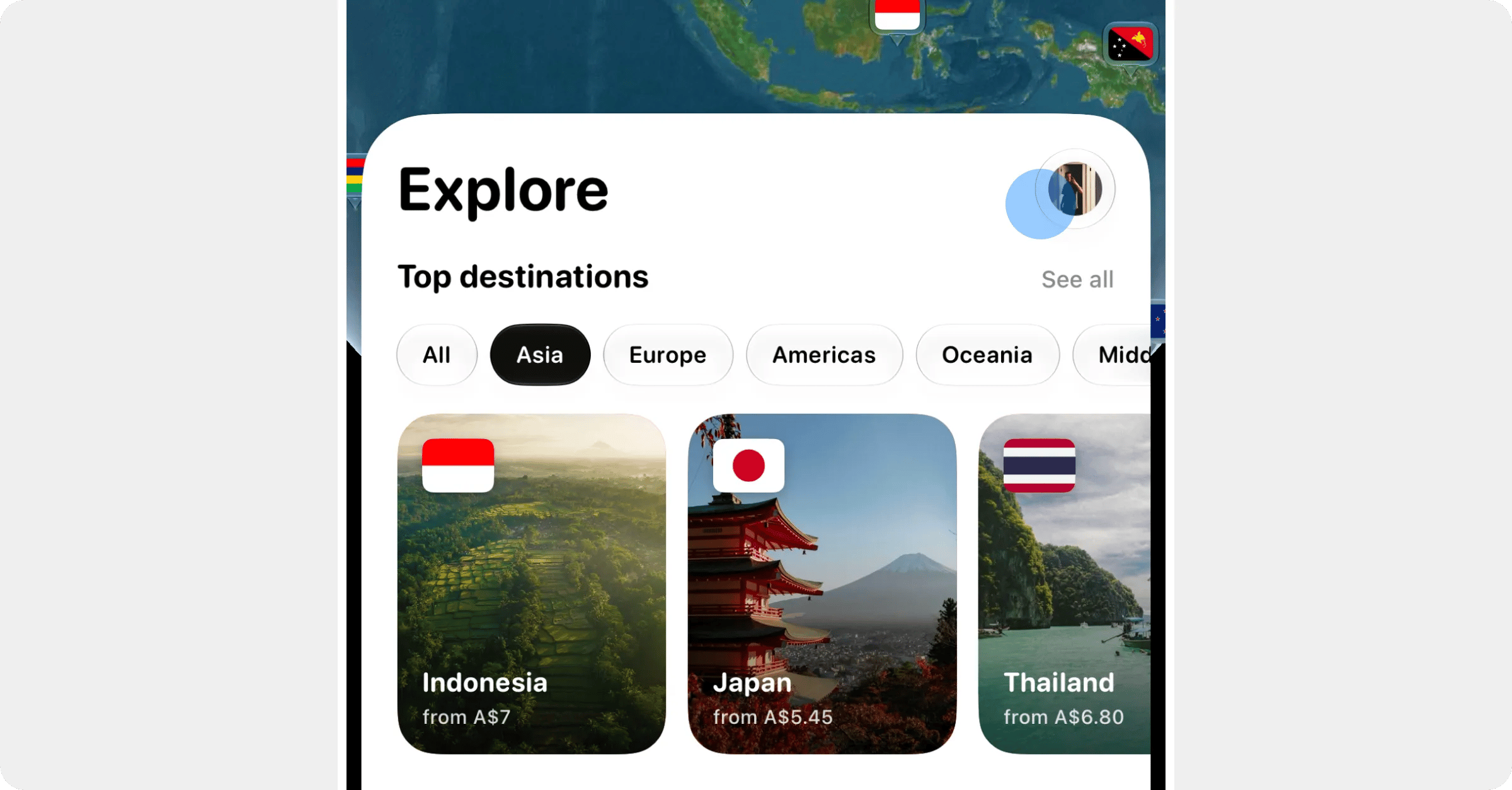
- Explore is the globe, plus top destinations and travel guides from us. Tap a country on the globe, or a destination card, to see its plans.
- My eSIMs lists every plan you’ve bought, newest first, with where it’s up to. Tap one to open its plan page: install, top up, usage, receipts and setup guides all live there.
- Support is where you chat with our team, and it has this whole help centre built in.
- Search is the magnifying glass. Type a country, a city or a region, or browse All countries and Regional plans.
Settings and your account
Where to find things
Shortcuts
- Press and hold an eSIM in My eSIMs for a quick menu: install, top up, usage, coverage, receipts, rename and contact support, depending on where the plan is up to.
- Press and hold the Roamly icon on your home screen to jump straight to Search destinations, My eSIMs, Rewards or Chat with us.
- Add the Roamly widget to your home screen to see data left and days left without opening the app.