
iPhone
Download on the App Store
Android
Get it on Google Play
What the app does
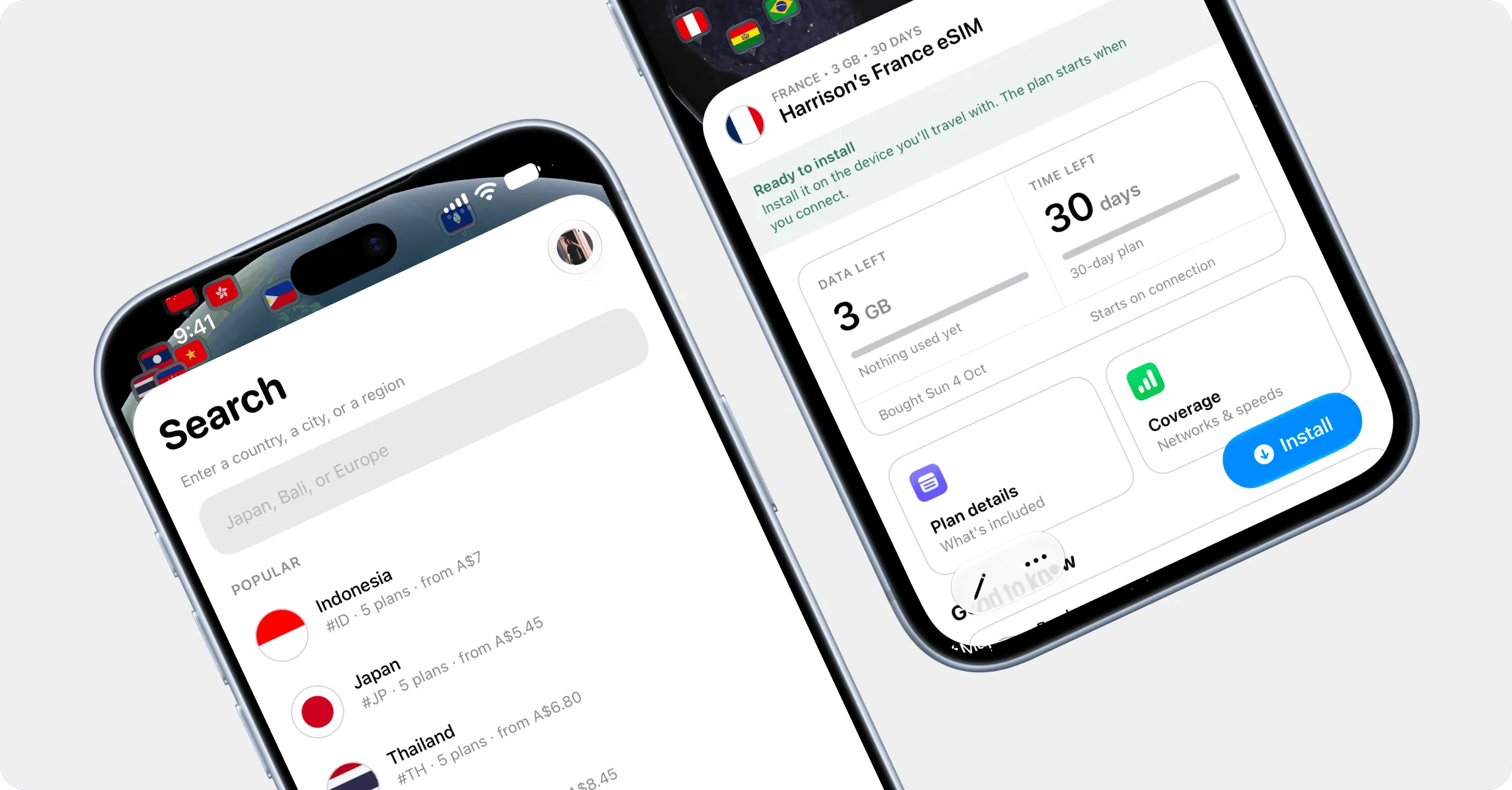
- One-tap install. Open your plan, tap Install, then Install on this device. Your phone’s eSIM setup opens with the plan ready, with nothing to scan or type.
- Setup guides that work offline. Your plan page shows the right guide for where you’re up to: installing, switching on at your destination, and turning on roaming. Handy when you’ve just landed and have no data yet.
- Live usage. Data left and days left, with charts of your usage over time and day by day, refreshed every hour.
- Top-ups. Add data to a reloadable plan in a few taps, paid with Apple Pay, Google Pay or a card.
- Everything else: rename your eSIMs, view receipts, show a QR code to install on another phone, and see your Roam Coins, tier and referral code on your Rewards page.
- Support. Chat with us from the Support tab, which has this help centre built in too.
- Home screen extras. A widget with your data and days left, and quick actions when you press and hold the app icon.