
If they sent you a link
Open it and create your free account. That’s it: the code attaches to your account and the discount comes off automatically at checkout on your first order.If they sent you just the code
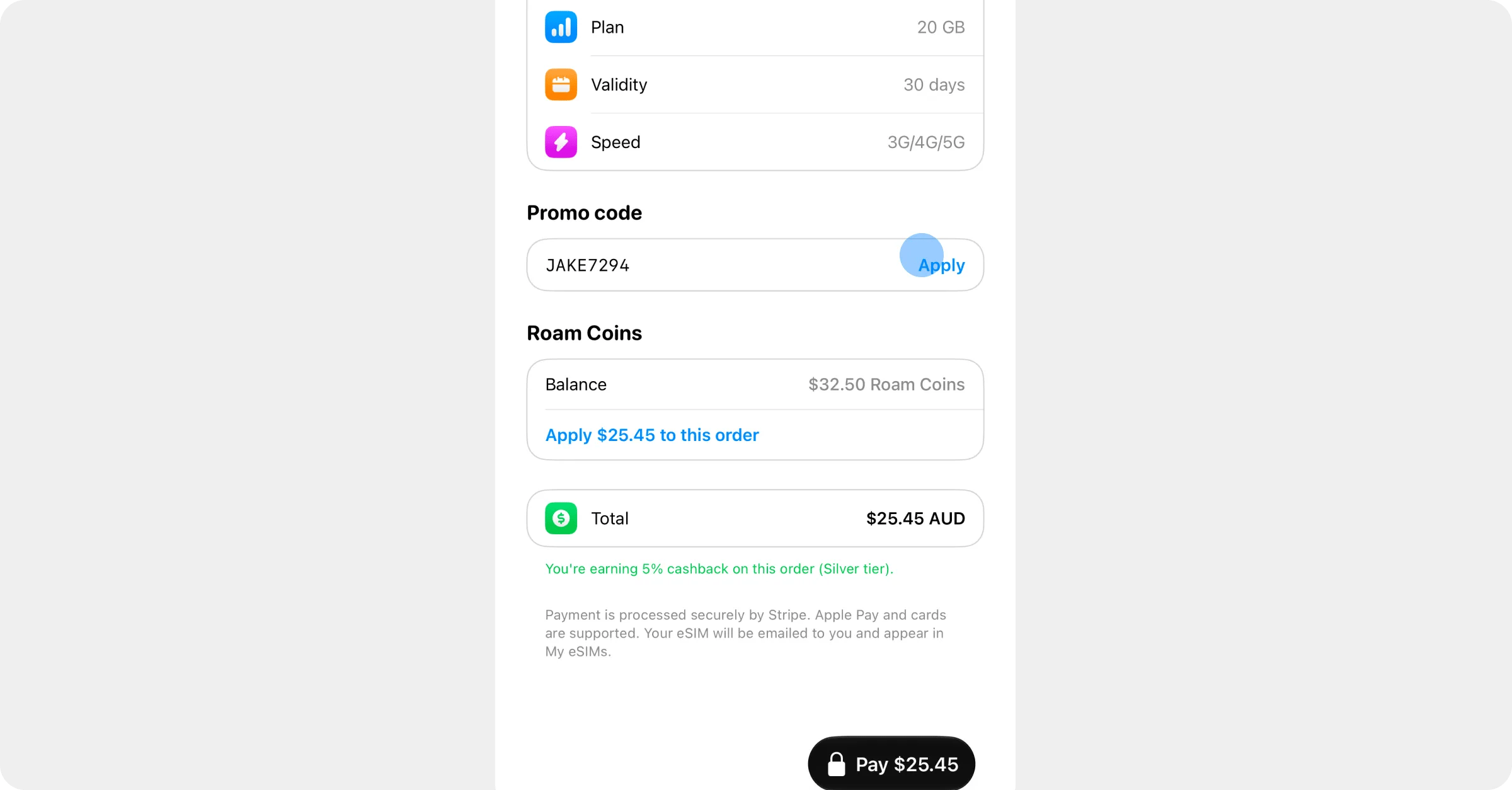
Create your account, pick a plan, and at checkout enter the code in the Promo code field. You’ll see the discount come off before you pay. You can also enter it straight away instead: open your Rewards page (in the app, tap the Roam Coins button over the globe; on the website, go to onroamly.com/rewards) and type it under Have a referral code? It waits on your account until your first order.Good to know
- The discount is for your first order only, so use it before you buy anything else.
- One code per order. If you also have a promo code, whichever you enter at checkout is the one that applies, so pick the one worth more.
- If your first order costs less than the discount, the discount shrinks to fit, and a small card payment (at least $0.50) always remains.
- Once you’re in, you get a code of your own to share, plus Roam Coins back on every purchase. See Refer a friend.