> ## Documentation Index
> Fetch the complete documentation index at: https://support.onroamly.com/llms.txt
> Use this file to discover all available pages before exploring further.
# Style test: every component
> A page that uses everything the help centre can render, so the app and the site can be compared side by side. Not a real article.
This page exists to check rendering. It runs through every kind of content the articles use, plus a few they might. Nothing here is customer advice.
# Heading level 1
## Heading level 2
### Heading level 3
#### Heading level 4
##### Heading level 5
###### Heading level 6
## Body text
A normal paragraph of body text, long enough to wrap onto a second and third line on a phone so the line height and paragraph spacing can be judged. Roamly sells prepaid mobile data for travel, delivered as an eSIM, and this sentence keeps going until it has definitely wrapped.
Inline styles: **bold**, *italic*, ***bold italic***, ~~strikethrough~~, `inline code`, a [link to the site](https://onroamly.com), a [link to another article](/installing/when-you-land), and an emoji ✈️. Currency needs escaping in the source: \$5 off, \$0.50 minimum, \$75 to reach Gold.
A second paragraph, shorter.
> A blockquote. Mintlify renders this with a left rule. Plain markdown quotes are rare in the articles; callouts do most of this work.
***
## Lists
* An unordered list item
* Another, with **bold** and a [link](https://onroamly.com/explore)
* A nested item
* Another nested item
* A third top-level item
1. An ordered list item
2. A second, with `inline code`
3. A third
* [ ] A task-list item, unchecked
* [x] A task-list item, checked
## Table
| Tier | Lifetime spend | Cashback | Referral bonus |
| -------- | -------------: | :------: | ----------------- |
| Silver | \$0+ | 5% | \$2.50 per friend |
| Gold | \$75+ | 7.5% | \$4.00 per friend |
| Platinum | \$200+ | 10% | \$6.00 per friend |
A wider table to test horizontal overflow on a phone:
| Activity | Roughly | Notes | More notes |
| ------------------- | ---------------- | --------------------------- | ------------------------- |
| Maps and navigation | 5–10 MB per hour | Offline maps use nothing | Download over Wi-Fi first |
| Video streaming | 1–3 GB per hour | HD is the top of that range | Turn off auto-play |
## Code
Inline `code` and a fenced block:
```swift theme={null}
let article = try await store.article(forPath: "/installing/when-you-land")
print(article?.title ?? "missing")
```
```bash theme={null}
deploy-roamly-support "Style test"
```
```swift iOS theme={null}
Intercom.presentContent(.helpCenterCollections(ids: ["19718910"]))
```
```kotlin Android theme={null}
Intercom.client().presentContent(IntercomContent.HelpCenterCollections(listOf("19718910")))
```
## Callouts
A note. Neutral information the reader should have.
An info callout. Mintlify styles it the same family as a note.
A tip. Something helpful but optional, like turning on Low Data Mode.
A warning. Something that costs money or can't be undone, like deleting an eSIM.
A check. Confirmation that a step worked: your plan now shows **Installed**.
## Steps
Steps carry the how-to articles. Each has a title, then body text, and can contain lists, callouts and screenshots.
* First thing to check
* Second thing to check
A callout inside a step.
## Tabs
Tab content for iPhone.
Open **Settings → Mobile**.
Tap your Roamly line.
Tab content for Android, with a table:
| Phone | Path |
| ------- | ------------------------------------ |
| Pixel | Settings → Network & internet → SIMs |
| Samsung | Settings → Connections → SIM manager |
A third tab, to see how the picker handles three.
## Accordions
Body text inside an accordion. The Rewards FAQ uses these.
* One
* Two
Mintlify's single expandable, outside a group.
## Cards
Step-by-step for iPhone and Android.
Before you go, at your destination, and the settings behind it all.
Columns is Mintlify's newer layout wrapper; it should look the same as CardGroup.
No href on this one.
## Images
A plain markdown image, no frame:
## Video
A self-hosted video file (a public sample clip for now):
An embedded YouTube video:
## Inline components
A sentence with a tooltip on APN, and an inline icon right here.
## The end
One closing paragraph after everything, to check bottom spacing before the "Still need help?" footer in the app.
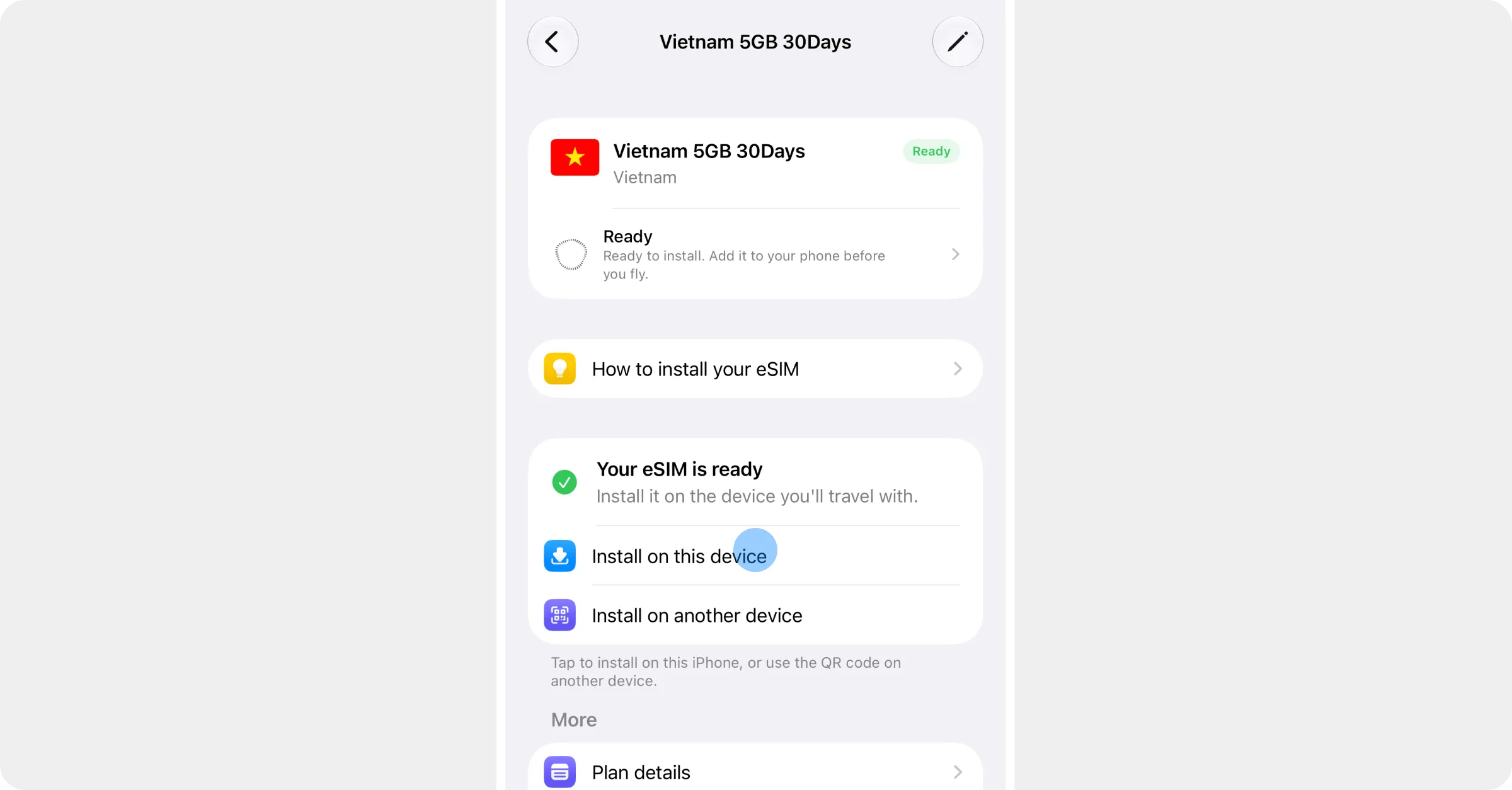
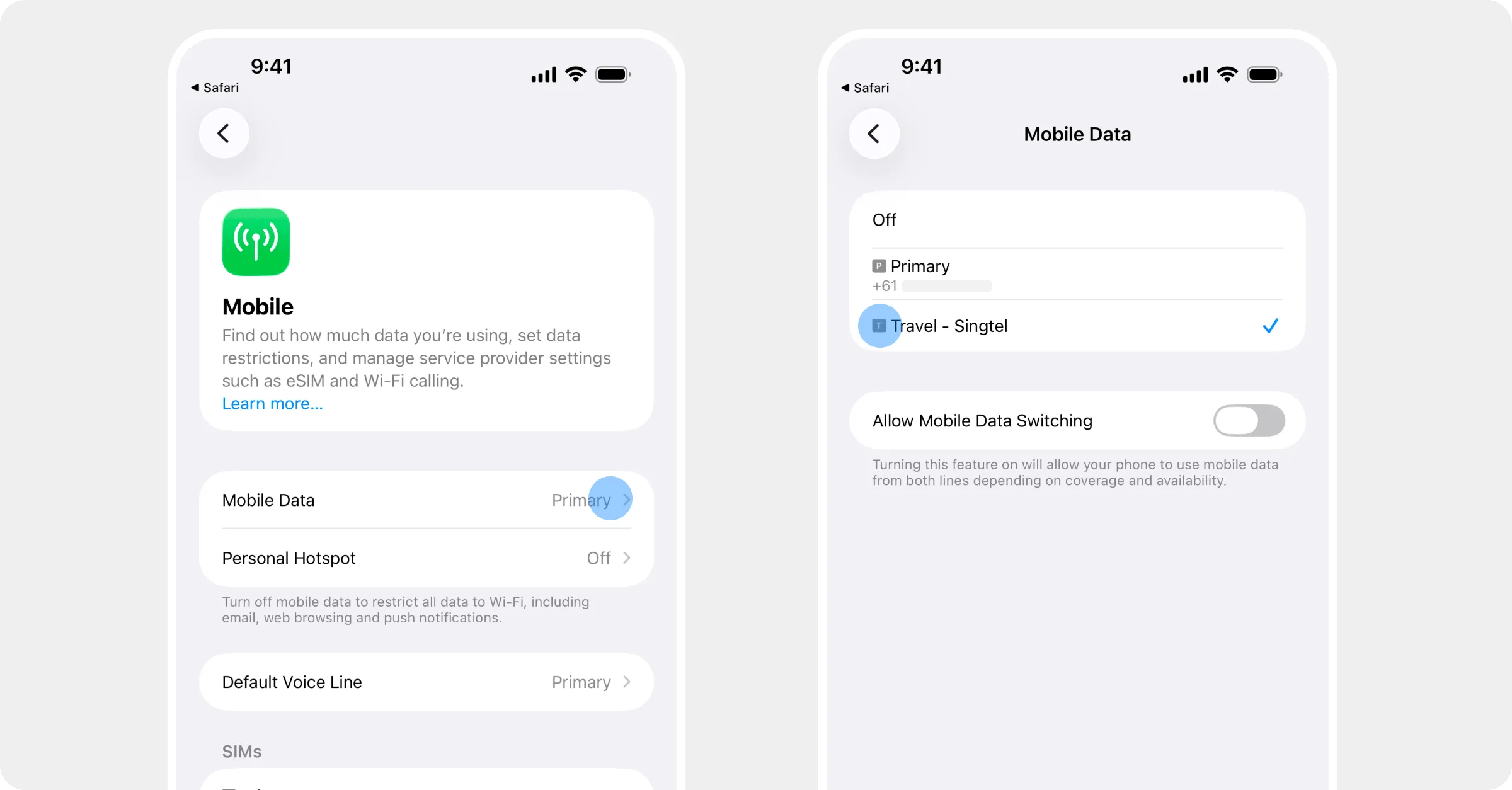
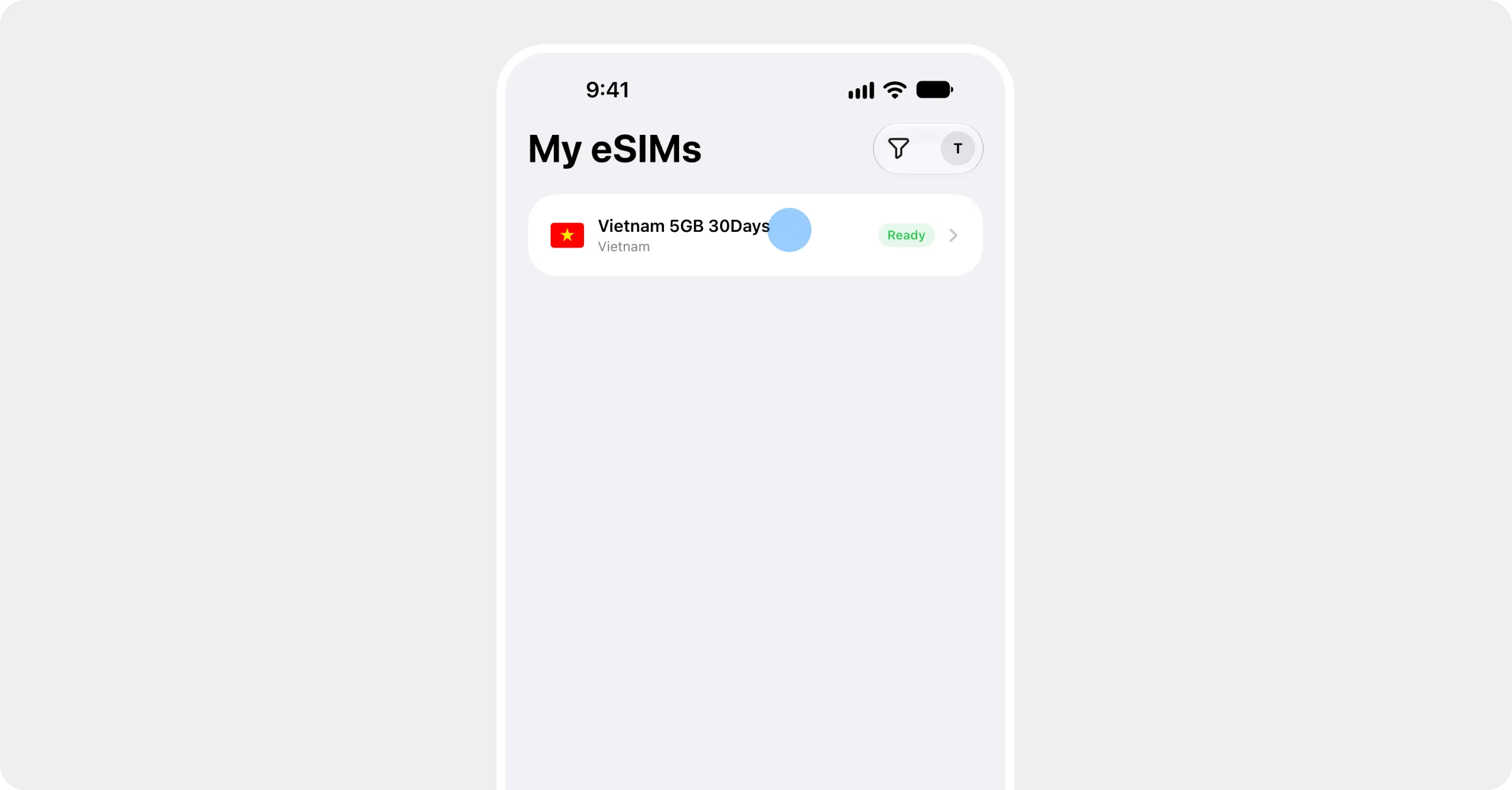
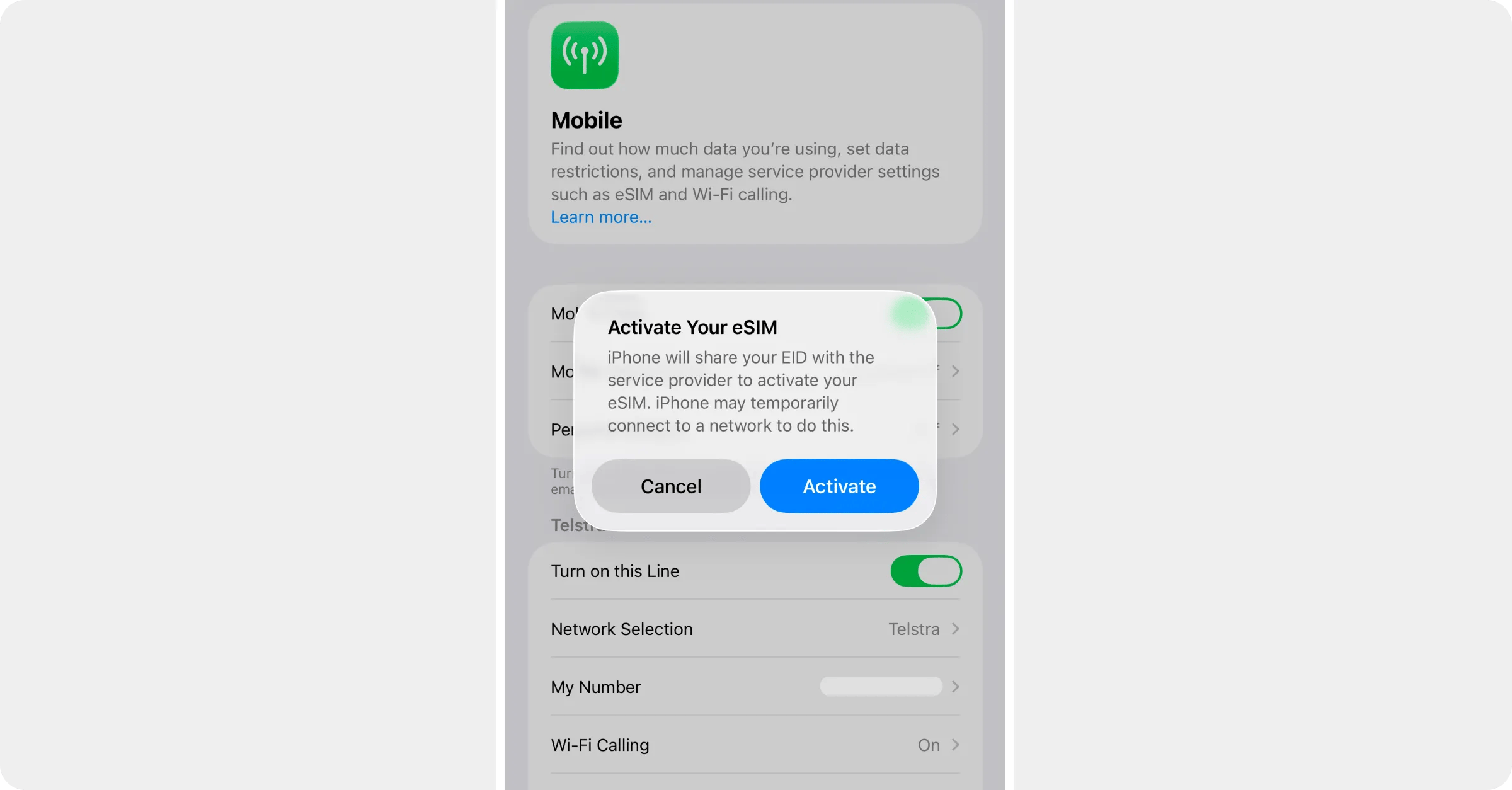 A plain markdown image, no frame:
 ## Video
A self-hosted video file (a public sample clip for now):
An embedded YouTube video:
## Inline components
A sentence with a
## Video
A self-hosted video file (a public sample clip for now):
An embedded YouTube video:
## Inline components
A sentence with a